The Management App That Couldn't Talk to the ERP
An app built with Lovable couldn't connect to the company ERP: the cause, the API bridge and what came out when I read the code.
Author
G. Tempesta
Published
Reading
3 min
Updated
Written with AI assistance, reviewed by Giovanni Tempesta
Details changed to protect the client's confidentiality.
What the app had to do
A company had built its management app with Lovable and Supabase. The app worked. One piece was missing: talking to the company ERP, that is reading and updating its data.
On paper it was an integration like many others. In practice, the connection would not start.
Why wouldn't the connection to the ERP start?
The ERP database only accepted connections from authorised IP addresses, and the serverless functions the app ran on do not have a fixed IP address: it changes all the time. There was no address to authorise.
Accepting only authorised addresses is good security practice. Neither the AI nor Lovable had done anything wrong: it is a limit of the architecture, which nobody had taken into account while the app was only a prototype.
How I connected the app to the ERP
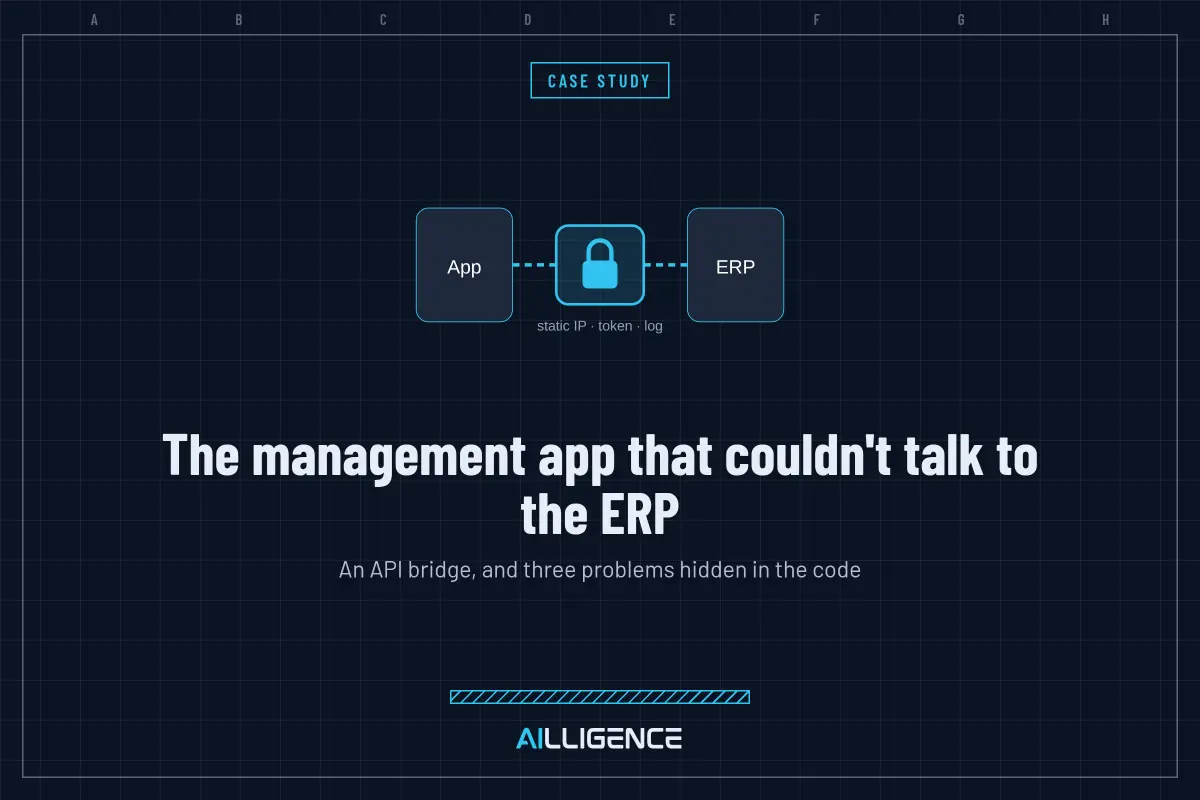
I built a small API layer on a server with a static IP, acting as a bridge between the app and the ERP:
- the ERP authorises a single address, the bridge's;
- the app talks to the bridge using a token;
- every call is logged, so you always know who read or wrote what;
- requests are only accepted from the app's domains;
- the sync to the ERP starts on its own, with no manual steps.
Now the app and the ERP talk to each other in a controlled and traceable way.
What came out when I read the code
To build the bridge I had to read the code, and three more things came out, which I reported:
- The main database key was published in the repository. A key with full powers, written in plain text in a file saved on GitHub. Whoever finds it can read, change or delete everything.
- Debug mode was switched on in production. Error messages showed server paths.
- There was no test environment. Every test wrote directly to the real ERP.
None of the three could be seen by using the app. All three could have cost far more than the integration.
What to check if your app has to connect to an ERP
- If your app has to connect to company systems (ERPs, management software, internal databases), ask yourself where the calls start from. Serverless platforms often do not have a fixed IP.
- Besides solving the connection, an API bridge gives you a log of everything that passes through.
- Before touching an integration, have the code reviewed. That is when the problems the demo does not show come out.
Every week I describe a real problem found in the code of apps built with AI, always anonymised. You can find it here on the blog and on LinkedIn.
- Lovable
- Supabase
- Integrazioni
- Caso reale